Minecraft: Java Edition
1 clip 173 view Ni-release noong
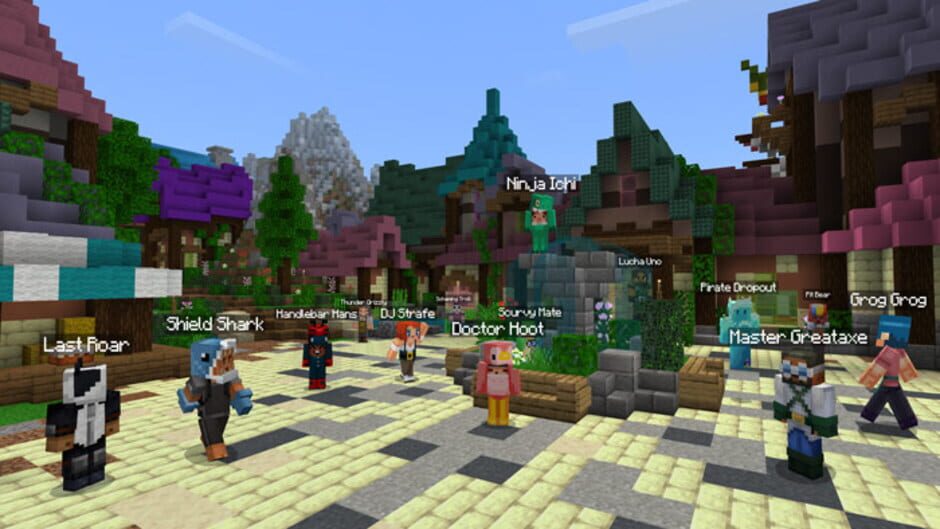


Minecraft focuses on allowing the player to explore, interact with, and modify a dynamically generated map made of one-cubic-meter-sized blocks. In addition to blocks, the environment features plants, mobs, and items. Some activities in the game include mining for ore, fighting hostile mobs, and crafting new blocks and tools by gathering various resources found in the game. The game's open-ended model allows players to create structures, creations, and artwork on various multiplayer servers or their single-player maps. Other features include redstone circuits for logic computations and remote actions, minecarts and tracks, and a mysterious underworld called the Nether. A designated but completely optional goal of the game is to travel to a dimension called the End, and defeat the ender dragon.
- Simulator
- Adventure
Nire-record ng Clippy ang Minecraft: Java Edition sa background at sine-save ang huling minuto sa isang pindot lang, libre sa Windows. How to clip Minecraft
Paano mag-clip ng Minecraft: Java Edition
- I-install ang Clippy, libre, sa Windows 10 o 11. Gumagana ito sa NVIDIA, AMD at Intel na graphics.
- Buksan ang Minecraft: Java Edition. Napapansin ng Clippy ang game at sinisimulan nitong i-record ang window nito sa background. Kung hindi, idagdag nang mano-mano ang game sa Settings.
- Kapag may nangyari, pindutin ang F8. Ise-save ang huling minuto bilang clip. Puwedeng i-set ang haba mula 20 segundo hanggang sampung minuto, at puwedeng palitan ang key.
- Buksan ang clip sa Clippy para i-trim, tapos pindutin ang Share para sa link, o i-export ito para sa Discord, TikTok o Shorts.
Nire-record ng Clippy ang window ng game mula sa labas ng game at wala itong inilalagay na code sa Minecraft: Java Edition. Puwedeng lumabas na itim ang game na naka-exclusive fullscreen; naaayos iyon ng borderless o windowed mode. Walang watermark ang clips at nasa PC mo lang ang mga ito hangga't hindi mo sine-share.