Minecraft: Java Edition
1 Clip 173 Aufrufe Erschienen:
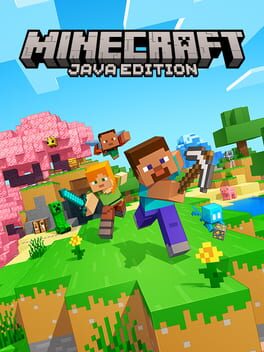
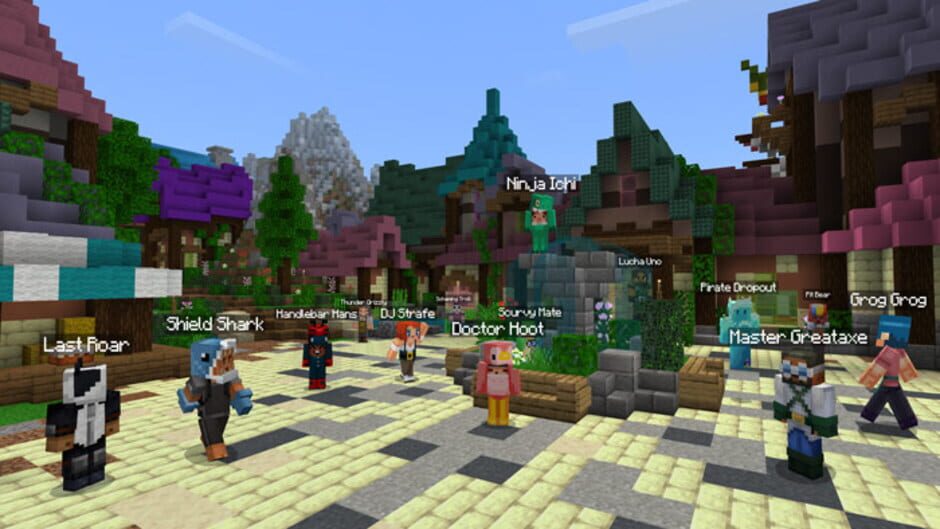


Minecraft focuses on allowing the player to explore, interact with, and modify a dynamically generated map made of one-cubic-meter-sized blocks. In addition to blocks, the environment features plants, mobs, and items. Some activities in the game include mining for ore, fighting hostile mobs, and crafting new blocks and tools by gathering various resources found in the game. The game's open-ended model allows players to create structures, creations, and artwork on various multiplayer servers or their single-player maps. Other features include redstone circuits for logic computations and remote actions, minecarts and tracks, and a mysterious underworld called the Nether. A designated but completely optional goal of the game is to travel to a dimension called the End, and defeat the ender dragon.
- Simulator
- Adventure
Clippy nimmt Minecraft: Java Edition im Hintergrund auf und speichert auf Tastendruck die letzte Minute, kostenlos unter Windows. How to clip Minecraft
So clippst du Minecraft: Java Edition
- Installiere Clippy, kostenlos, unter Windows 10 oder 11. Es funktioniert mit Grafik von NVIDIA, AMD und Intel.
- Starte Minecraft: Java Edition. Clippy erkennt das Spiel und nimmt sein Fenster im Hintergrund auf. Falls nicht, füge das Spiel in den Settings (Einstellungen) von Hand hinzu.
- Wenn etwas passiert, drück F8. Die letzte Minute wird als Clip gespeichert. Die Länge lässt sich von 20 Sekunden bis zehn Minuten einstellen, und die Taste kannst du ändern.
- Öffne den Clip in Clippy, um ihn zuzuschneiden, und drück dann auf „Share“ für einen Link oder exportiere ihn für Discord, TikTok oder Shorts.
Clippy nimmt das Fenster des Spiels von außen auf und schleust keinen Code in Minecraft: Java Edition ein. Ein Spiel im exklusiven Vollbild kann schwarz herauskommen; der randlose oder der Fenstermodus behebt das. Clips haben kein Wasserzeichen und bleiben auf deinem PC, bis du sie teilst.