Minecraft: Java Edition
1 คลิป ดู 173 ครั้ง วางจำหน่าย
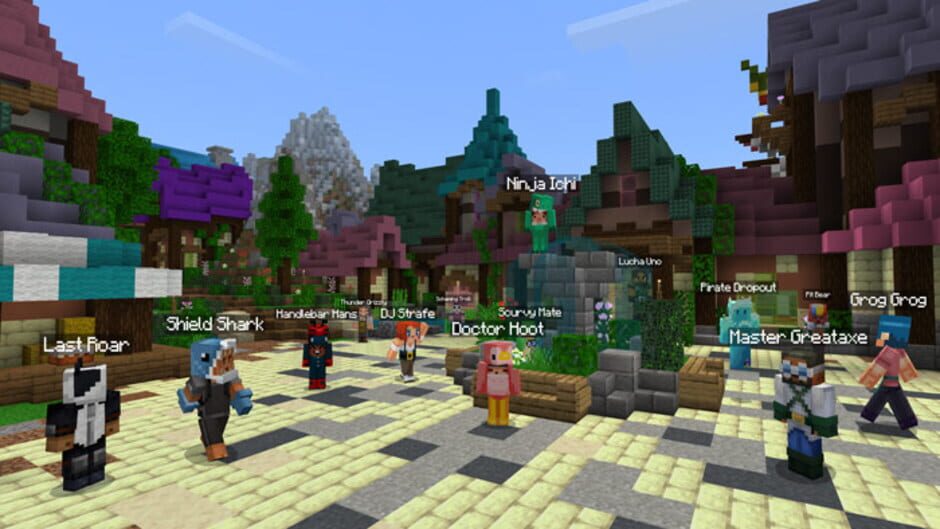


Minecraft focuses on allowing the player to explore, interact with, and modify a dynamically generated map made of one-cubic-meter-sized blocks. In addition to blocks, the environment features plants, mobs, and items. Some activities in the game include mining for ore, fighting hostile mobs, and crafting new blocks and tools by gathering various resources found in the game. The game's open-ended model allows players to create structures, creations, and artwork on various multiplayer servers or their single-player maps. Other features include redstone circuits for logic computations and remote actions, minecarts and tracks, and a mysterious underworld called the Nether. A designated but completely optional goal of the game is to travel to a dimension called the End, and defeat the ender dragon.
- Simulator
- Adventure
Clippy อัด Minecraft: Java Edition อยู่เบื้องหลัง และบันทึกนาทีล่าสุดเมื่อคุณกดปุ่มเดียว ฟรีบน Windows How to clip Minecraft
วิธีอัดคลิป Minecraft: Java Edition
- ติดตั้ง Clippy ฟรี บน Windows 10 หรือ 11 ใช้ได้กับการ์ดจอ NVIDIA, AMD และ Intel
- เปิด Minecraft: Java Edition แล้ว Clippy จะรู้ว่าเกมเปิดอยู่และเริ่มอัดหน้าต่างเกมอยู่เบื้องหลัง ถ้าไม่เริ่ม ให้เพิ่มเกมเองใน Settings (การตั้งค่า)
- เมื่อมีจังหวะเด็ด ให้กด F8 นาทีล่าสุดจะถูกบันทึกเป็นคลิป ตั้งความยาวได้ตั้งแต่ 20 วินาทีถึงสิบนาที และเปลี่ยนปุ่มได้
- เปิดคลิปใน Clippy เพื่อตัด แล้วกด Share เพื่อรับลิงก์ หรือส่งออกสำหรับ Discord, TikTok หรือ Shorts
Clippy อัดหน้าต่างของเกมจากภายนอกตัวเกม และไม่ใส่โค้ดใดๆ เข้าไปใน Minecraft: Java Edition เกมที่รันแบบเต็มจอ exclusive (exclusive fullscreen) อาจอัดออกมาเป็นภาพดำ แก้ได้ด้วยโหมดไร้ขอบ (borderless) หรือโหมดหน้าต่าง (windowed) คลิปไม่มีลายน้ำ และอยู่ใน PC ของคุณจนกว่าคุณจะแชร์