Minecraft: Java Edition
1 clip 173 weergaven Uitgebracht in
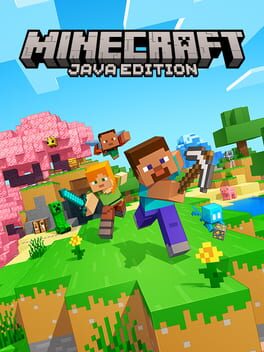
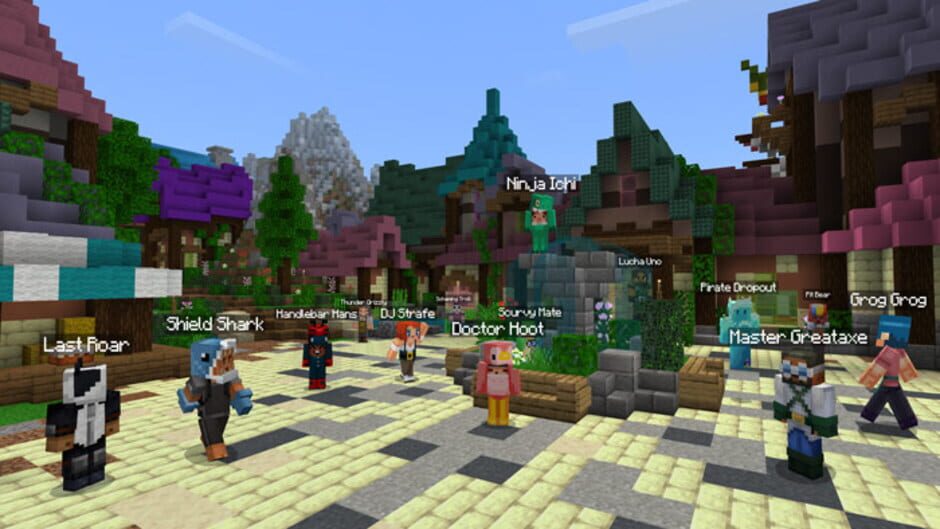


Minecraft focuses on allowing the player to explore, interact with, and modify a dynamically generated map made of one-cubic-meter-sized blocks. In addition to blocks, the environment features plants, mobs, and items. Some activities in the game include mining for ore, fighting hostile mobs, and crafting new blocks and tools by gathering various resources found in the game. The game's open-ended model allows players to create structures, creations, and artwork on various multiplayer servers or their single-player maps. Other features include redstone circuits for logic computations and remote actions, minecarts and tracks, and a mysterious underworld called the Nether. A designated but completely optional goal of the game is to travel to a dimension called the End, and defeat the ender dragon.
- Simulator
- Adventure
Clippy neemt Minecraft: Java Edition op de achtergrond op en slaat de laatste minuut op als je op één toets drukt, gratis op Windows. How to clip Minecraft
Hoe clip je Minecraft: Java Edition
- Installeer Clippy, gratis, op Windows 10 of 11. Het werkt met videokaarten van NVIDIA, AMD en Intel.
- Start Minecraft: Java Edition. Clippy merkt de game op en begint het venster op de achtergrond op te nemen. Gebeurt dat niet, voeg de game dan met de hand toe in Settings.
- Gebeurt er iets, druk dan op F8. De laatste minuut wordt opgeslagen als clip. De lengte is in te stellen van 20 seconden tot tien minuten, en de toets kun je wijzigen.
- Open de clip in Clippy om hem in te korten, druk dan op Share voor een link, of exporteer hem voor Discord, TikTok of Shorts.
Clippy neemt het venster van de game van buiten de game op en stopt geen code in Minecraft: Java Edition. Een game in exclusief volledig scherm kan zwart worden opgenomen; borderless of venstermodus lost dat op. Clips hebben geen watermerk en blijven op je pc tot je ze deelt.