


Minecraft
6 clipuri 380 de vizualizări Lansare:
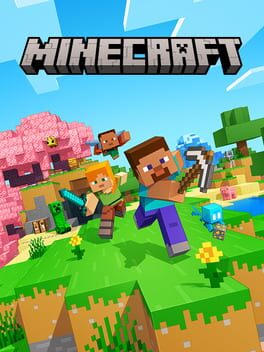


Minecraft focuses on allowing the player to explore, interact with, and modify a dynamically-generated map made of one-cubic-meter-sized blocks. In addition to blocks, the environment features plants, mobs, and items. Some activities in the game include mining for ore, fighting hostile mobs, and crafting new blocks and tools by gathering various resources found in the game. The game's open-ended model allows players to create structures, creations, and artwork on various multiplayer servers or their single-player maps. Other features include redstone circuits for logic computations and remote actions, minecarts and tracks, and a mysterious underworld called the Nether. A designated but completely optional goal of the game is to travel to a dimension called the End, and defeat the ender dragon.
- Simulator
- Adventure
- Arcade
Clippy înregistrează Minecraft în fundal și salvează ultimul minut când apeși o tastă, gratuit pe Windows. Ia Clippy
Cum salvezi clipuri din Minecraft
- Instalează Clippy, gratuit, pe Windows 10 sau 11. Merge cu plăci video NVIDIA, AMD și Intel.
- Pornește Minecraft. Clippy observă jocul și începe să-i înregistreze fereastra în fundal. Dacă nu o face, adaugă jocul manual în Settings.
- Când se întâmplă ceva, apasă F8. Ultimul minut se salvează ca clip. Lungimea poate fi setată de la 20 de secunde la zece minute, iar tasta poate fi schimbată.
- Deschide clipul în Clippy ca să-l tai, apoi apasă Share pentru un link sau exportă-l pentru Discord, TikTok sau Shorts.
Clippy înregistrează fereastra jocului din afara lui și nu pune niciun cod în Minecraft. Un joc care rulează în fullscreen exclusiv poate ieși negru; modul borderless sau în fereastră rezolvă asta. Clipurile nu au watermark și rămân pe PC-ul tău până le distribui.
Clipuri din Minecraft


