Call of Duty
1本のクリップ 47回視聴 発売
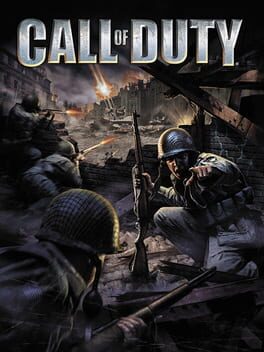
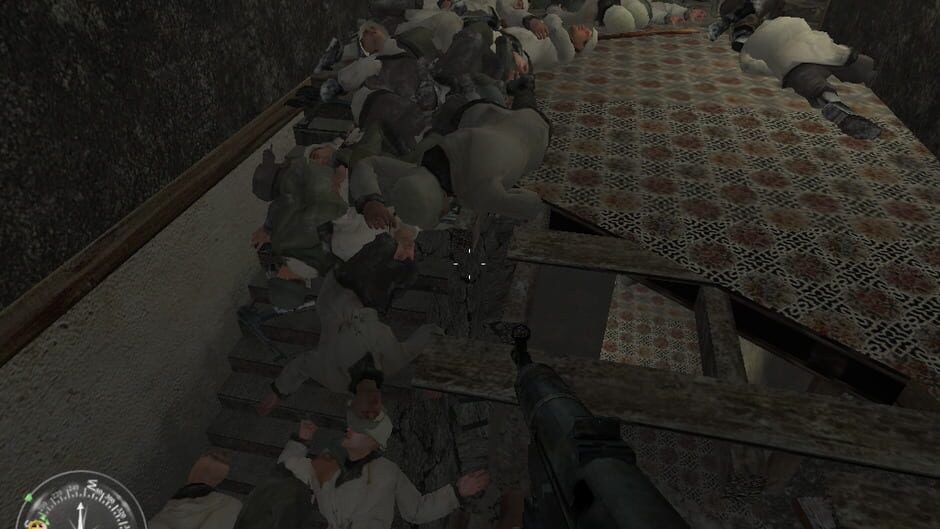


Call of Duty is a first-person shooter set during World War II, developed by Infinity Ward using a modified id Tech 3 engine. The single-player campaign spans three separate perspectives, with the player controlling American, British, and Soviet soldiers across the European theater. Gameplay emphasizes squad-based combat with AI-controlled allies who support the player during missions, making use of authentic period firearms, iron sight aiming, and a health point system with medkits.
- Shooter
ClippyはCall of Dutyをバックグラウンドで録画し、キーひとつで直前1分間を保存します。Windowsで無料です。 How to clip Call of Duty
Call of Dutyをクリップする方法
- Clippyをインストール(無料、Windows 10・11対応)。NVIDIA、AMD、Intelのグラフィックスで動作します。
- Call of Dutyを起動します。Clippyがゲームを検知し、バックグラウンドでウィンドウの録画を始めます。始まらない場合は、Settings(設定)でゲームを手動で追加してください。
- 何かが起きたらF8を押します。直前1分間がクリップとして保存されます。長さは20秒から10分まで設定でき、キーも変更できます。
- Clippyでクリップを開いてトリミングし、Share(共有)を押してリンクを作るか、Discord、TikTok、Shorts向けに書き出します。
Clippyはゲームの外からゲームのウィンドウを録画し、Call of Dutyにコードを入れることはありません。 排他的フルスクリーンで動作しているゲームは真っ黒に録画されることがあります。ボーダーレスまたはウィンドウモードにすると直ります。 クリップにウォーターマークは入らず、共有するまでPCに保存されたままです。