



Call of Duty
1 clip 47 visualizzazioni Uscita:
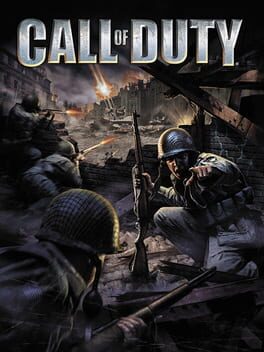
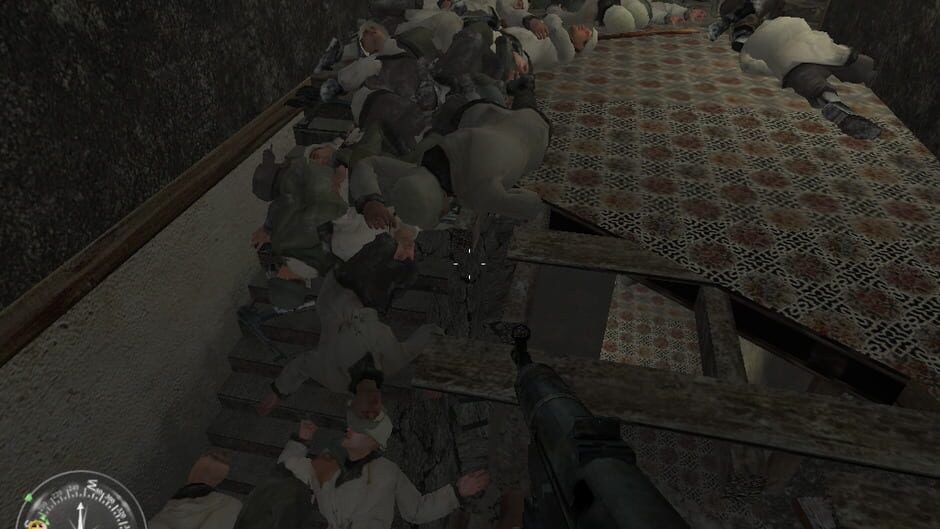


Call of Duty is a first-person shooter set during World War II, developed by Infinity Ward using a modified id Tech 3 engine. The single-player campaign spans three separate perspectives, with the player controlling American, British, and Soviet soldiers across the European theater. Gameplay emphasizes squad-based combat with AI-controlled allies who support the player during missions, making use of authentic period firearms, iron sight aiming, and a health point system with medkits.
- Shooter
Clippy registra Call of Duty in background e salva l'ultimo minuto quando premi un tasto, gratis su Windows. How to clip Call of Duty
Come registrare clip di Call of Duty
- Installa Clippy, gratis, su Windows 10 o 11. Funziona con schede grafiche NVIDIA, AMD e Intel.
- Avvia Call of Duty. Clippy si accorge del gioco e inizia a registrarne la finestra in background. Se non succede, aggiungi il gioco a mano in Settings (impostazioni).
- Quando succede qualcosa, premi F8. L'ultimo minuto viene salvato come clip. La durata si può impostare da 20 secondi a dieci minuti, e il tasto si può cambiare.
- Apri la clip in Clippy per tagliarla, poi premi Share (Condividi) per avere un link, oppure esportala per Discord, TikTok o Shorts.
Clippy registra la finestra del gioco dall'esterno e non inserisce alcun codice in Call of Duty. Un gioco in schermo intero esclusivo può risultare nero; la modalità senza bordi o in finestra risolve il problema. Le clip non hanno filigrana e restano sul tuo PC finché non le condividi.
Clip di Call of Duty
