



Call of Duty
1 Clip 47 Aufrufe Erschienen:
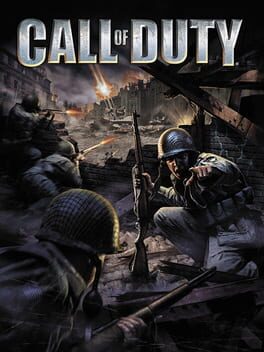
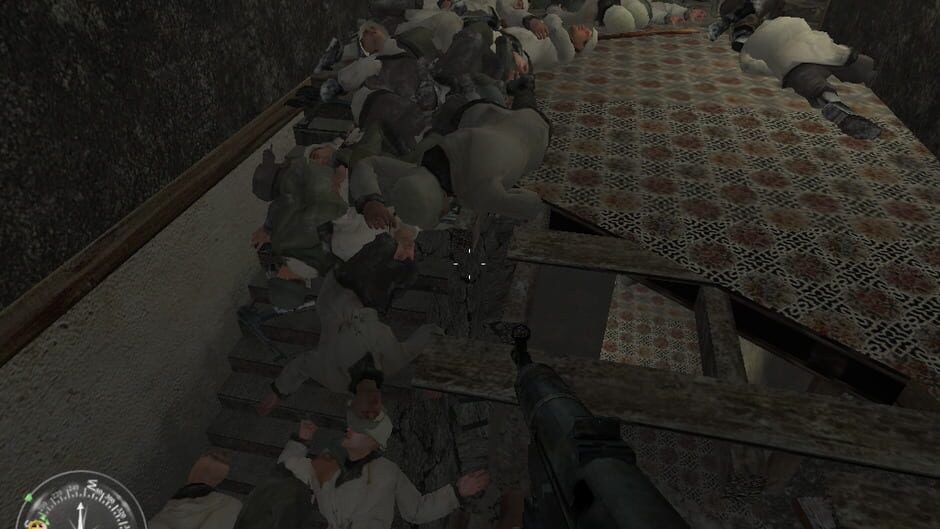


Call of Duty is a first-person shooter set during World War II, developed by Infinity Ward using a modified id Tech 3 engine. The single-player campaign spans three separate perspectives, with the player controlling American, British, and Soviet soldiers across the European theater. Gameplay emphasizes squad-based combat with AI-controlled allies who support the player during missions, making use of authentic period firearms, iron sight aiming, and a health point system with medkits.
- Shooter
Clippy nimmt Call of Duty im Hintergrund auf und speichert auf Tastendruck die letzte Minute, kostenlos unter Windows. How to clip Call of Duty
So clippst du Call of Duty
- Installiere Clippy, kostenlos, unter Windows 10 oder 11. Es funktioniert mit Grafik von NVIDIA, AMD und Intel.
- Starte Call of Duty. Clippy erkennt das Spiel und nimmt sein Fenster im Hintergrund auf. Falls nicht, füge das Spiel in den Settings (Einstellungen) von Hand hinzu.
- Wenn etwas passiert, drück F8. Die letzte Minute wird als Clip gespeichert. Die Länge lässt sich von 20 Sekunden bis zehn Minuten einstellen, und die Taste kannst du ändern.
- Öffne den Clip in Clippy, um ihn zuzuschneiden, und drück dann auf „Share“ für einen Link oder exportiere ihn für Discord, TikTok oder Shorts.
Clippy nimmt das Fenster des Spiels von außen auf und schleust keinen Code in Call of Duty ein. Ein Spiel im exklusiven Vollbild kann schwarz herauskommen; der randlose oder der Fenstermodus behebt das. Clips haben kein Wasserzeichen und bleiben auf deinem PC, bis du sie teilst.
Clips aus Call of Duty
