
 0:08
 Call of Duty

1 clip 12 views Released
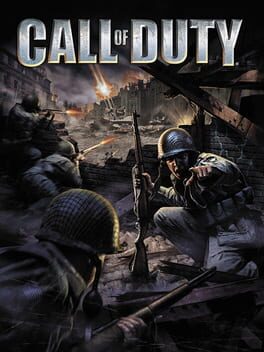
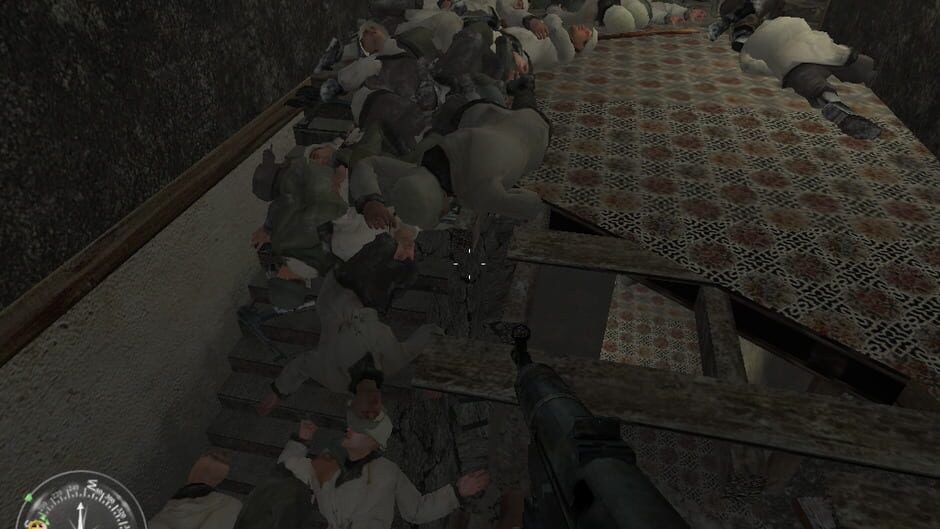


Call of Duty is a first-person shooter set during World War II, developed by Infinity Ward using a modified id Tech 3 engine. The single-player campaign spans three separate perspectives, with the player controlling American, British, and Soviet soldiers across the European theater. Gameplay emphasizes squad-based combat with AI-controlled allies who support the player during missions, making use of authentic period firearms, iron sight aiming, and a health point system with medkits.
Clippy records Call of Duty in the background and saves the last minute when you press one key, for free on Windows. How to clip Call of Duty
Clippy records the game's window from outside the game and puts no code into Call of Duty. A game running in exclusive fullscreen can come out black; borderless or windowed mode fixes that. Clips have no watermark and stay on your PC until you share them.
