


League of Legends
7 clip 434 visualizzazioni Uscita:

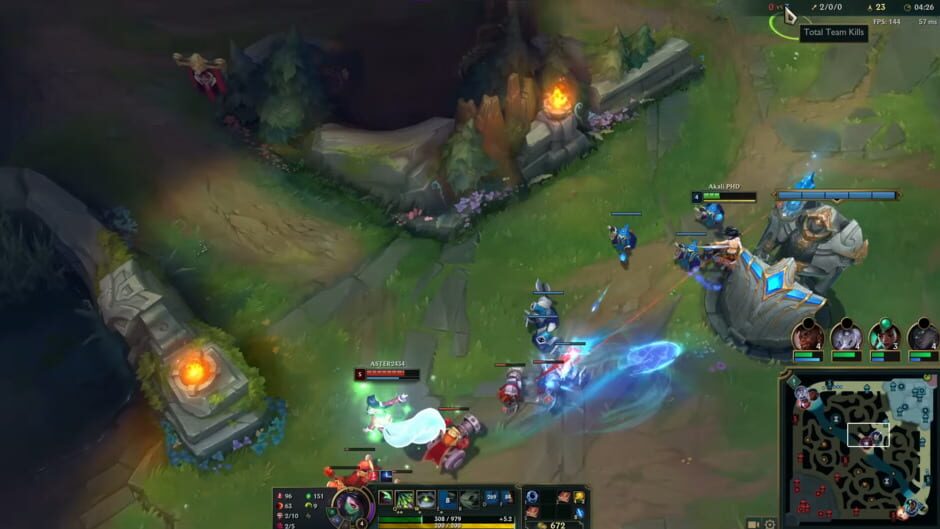


League of Legends is a fast-paced, competitive online game that blends the speed and intensity of an RTS with RPG elements. Two teams of powerful champions, each with a unique design and playstyle, battle head-to-head across multiple battlefields and game modes. With an ever-expanding roster of champions, frequent updates and a thriving tournament scene, League of Legends offers endless replayability for players of every skill level.
- Role-playing (RPG)
- Strategy
- MOBA
Clippy registra League of Legends in background e salva l'ultimo minuto quando premi un tasto, gratis su Windows. How to clip League of Legends
Come registrare clip di League of Legends
- Installa Clippy, gratis, su Windows 10 o 11. Funziona con schede grafiche NVIDIA, AMD e Intel.
- Avvia League of Legends. Clippy si accorge del gioco e inizia a registrarne la finestra in background. Se non succede, aggiungi il gioco a mano in Settings (impostazioni).
- Quando succede qualcosa, premi F8. L'ultimo minuto viene salvato come clip. La durata si può impostare da 20 secondi a dieci minuti, e il tasto si può cambiare.
- Apri la clip in Clippy per tagliarla, poi premi Share (Condividi) per avere un link, oppure esportala per Discord, TikTok o Shorts.
Clippy registra la finestra del gioco dall'esterno e non inserisce alcun codice in League of Legends. Un gioco in schermo intero esclusivo può risultare nero; la modalità senza bordi o in finestra risolve il problema. Le clip non hanno filigrana e restano sul tuo PC finché non le condividi.
Clip di League of Legends


