
 0:33
 League of Legends
7 clips 177 views Released

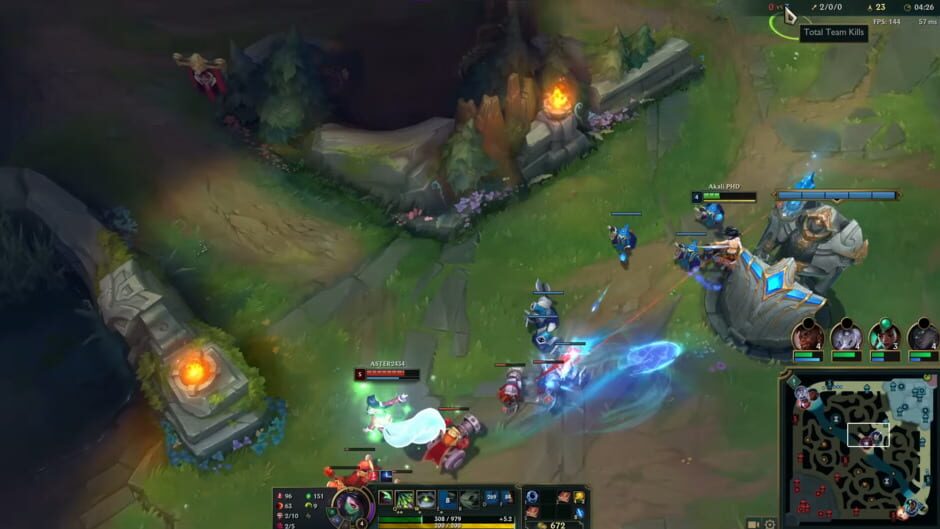


League of Legends is a fast-paced, competitive online game that blends the speed and intensity of an RTS with RPG elements. Two teams of powerful champions, each with a unique design and playstyle, battle head-to-head across multiple battlefields and game modes. With an ever-expanding roster of champions, frequent updates and a thriving tournament scene, League of Legends offers endless replayability for players of every skill level.
Clippy records League of Legends in the background and saves the last minute when you press one key, for free on Windows. How to clip League of Legends
Clippy records the game's window from outside the game and puts no code into League of Legends. A game running in exclusive fullscreen can come out black; borderless or windowed mode fixes that. Clips have no watermark and stay on your PC until you share them.


