



Stone Simulator
1 個片段 213 次觀看 發行
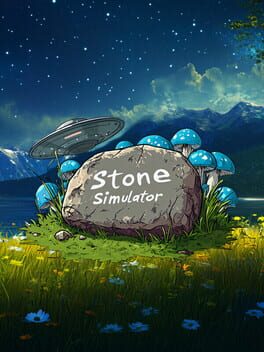
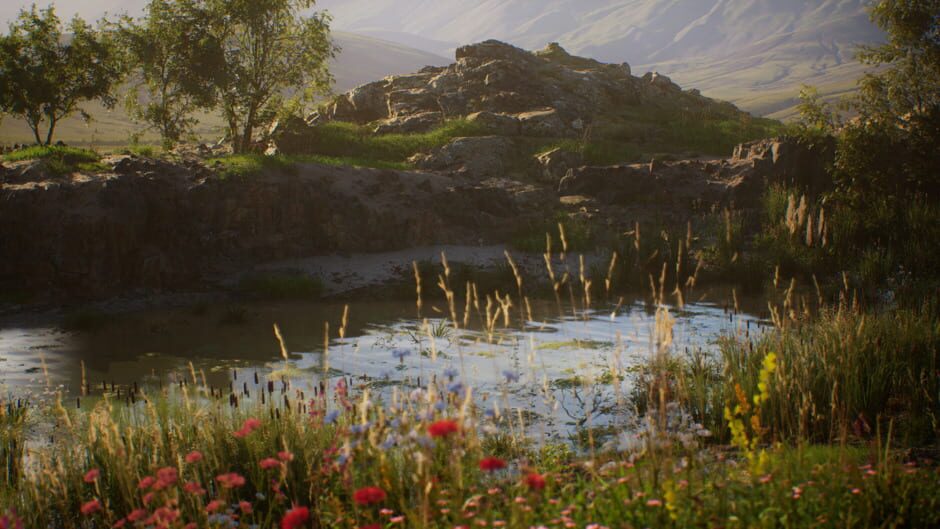
Be a stone / rock / boulder. Do nothing. Just exist. Relax, meditate, and watch the seasons change in the most peaceful simulator ever. Ever wondered what it’s like to be a rock? Become an unflinching stone in a serene, ever-changing world. Survive centuries of seasons, weather, and absurdly mundane adventures. Grow moss, collect bird poop, and question your existence—Stone Simulator is the Zen meditation you never knew you needed… or the most boring game ever. You decide!
- Simulator
- Adventure
- Indie
Clippy 會在背景錄製 Stone Simulator,按一個鍵就能儲存最後一分鐘,在 Windows 上免費使用。 取得 Clippy
如何錄 Stone Simulator 精華片段
- 安裝 Clippy,免費,支援 Windows 10 或 11。NVIDIA、AMD 和 Intel 顯示卡都能用。
- 啟動 Stone Simulator。Clippy 會偵測到遊戲,並在背景開始錄製它的視窗。如果沒有,請在 Settings(設定)中手動加入這款遊戲。
- 有事情發生時,按 F8。最後一分鐘會存成片段。長度可以設定在 20 秒到十分鐘之間,按鍵也可以更改。
- 在 Clippy 中開啟片段來修剪,然後按 Share(分享)取得連結,或匯出給 Discord、TikTok 或 Shorts 使用。
Clippy 從遊戲外部錄製遊戲視窗,不會在 Stone Simulator 裡放入任何程式碼。 以獨佔全螢幕執行的遊戲可能會錄成黑畫面;改用無邊框或視窗模式就能解決。 片段沒有浮水印,在你分享之前都只留在你的電腦上。
Stone Simulator 片段
