



Stone Simulator
1本のクリップ 212回視聴 発売
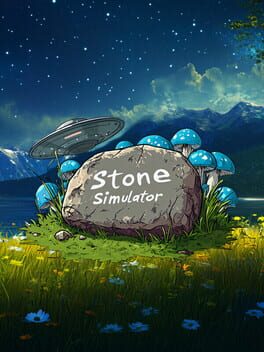
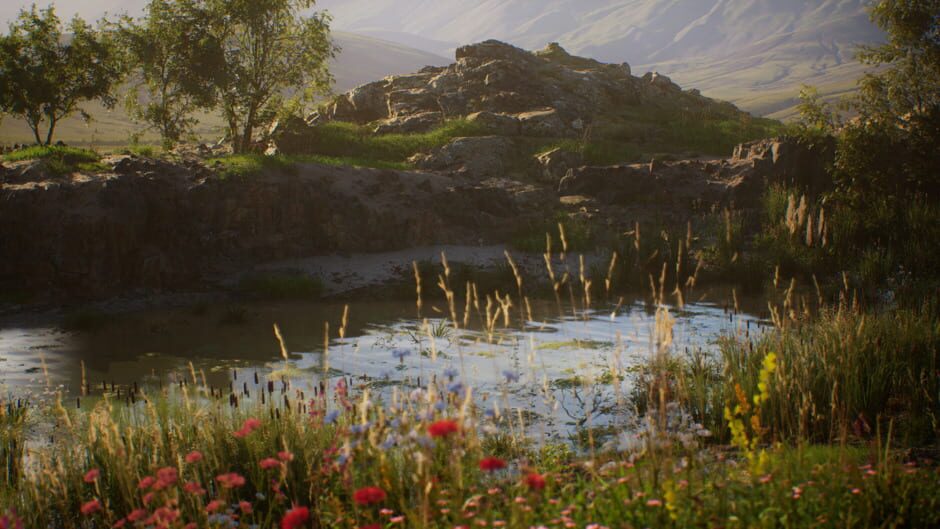

Be a stone / rock / boulder. Do nothing. Just exist. Relax, meditate, and watch the seasons change in the most peaceful simulator ever. Ever wondered what it’s like to be a rock? Become an unflinching stone in a serene, ever-changing world. Survive centuries of seasons, weather, and absurdly mundane adventures. Grow moss, collect bird poop, and question your existence—Stone Simulator is the Zen meditation you never knew you needed… or the most boring game ever. You decide!
- Simulator
- Adventure
- Indie
ClippyはStone Simulatorをバックグラウンドで録画し、キーひとつで直前1分間を保存します。Windowsで無料です。 Clippyを入手
Stone Simulatorをクリップする方法
- Clippyをインストール(無料、Windows 10・11対応)。NVIDIA、AMD、Intelのグラフィックスで動作します。
- Stone Simulatorを起動します。Clippyがゲームを検知し、バックグラウンドでウィンドウの録画を始めます。始まらない場合は、Settings(設定)でゲームを手動で追加してください。
- 何かが起きたらF8を押します。直前1分間がクリップとして保存されます。長さは20秒から10分まで設定でき、キーも変更できます。
- Clippyでクリップを開いてトリミングし、Share(共有)を押してリンクを作るか、Discord、TikTok、Shorts向けに書き出します。
Clippyはゲームの外からゲームのウィンドウを録画し、Stone Simulatorにコードを入れることはありません。 排他的フルスクリーンで動作しているゲームは真っ黒に録画されることがあります。ボーダーレスまたはウィンドウモードにすると直ります。 クリップにウォーターマークは入らず、共有するまでPCに保存されたままです。
Stone Simulatorのクリップ
