


Valorant
7 个片段 620 次观看 发行于
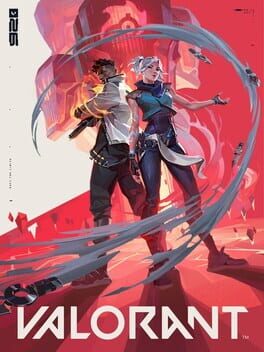
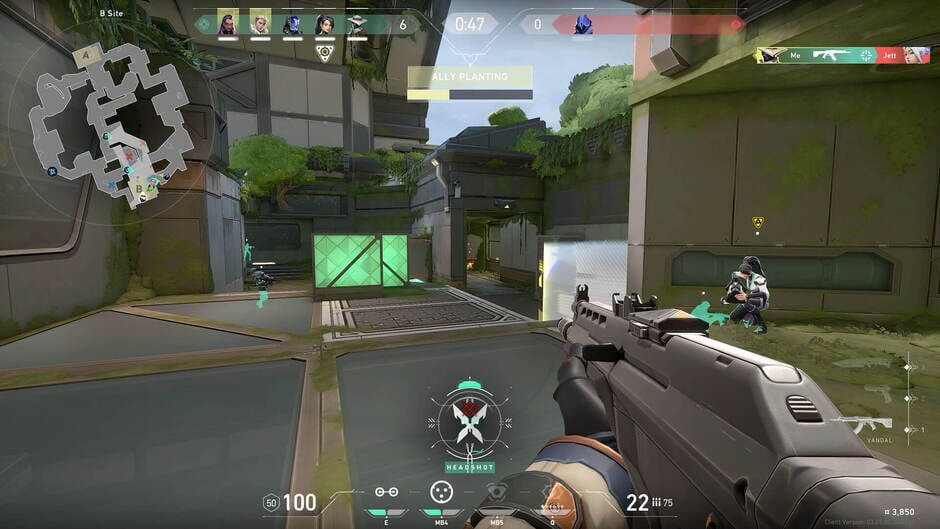
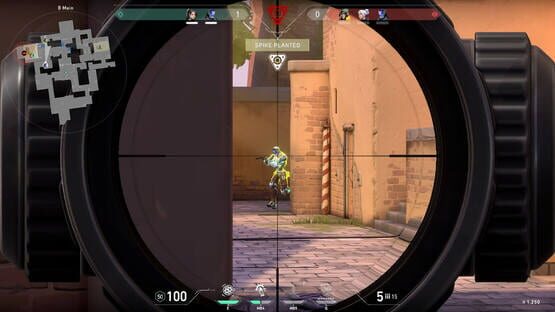
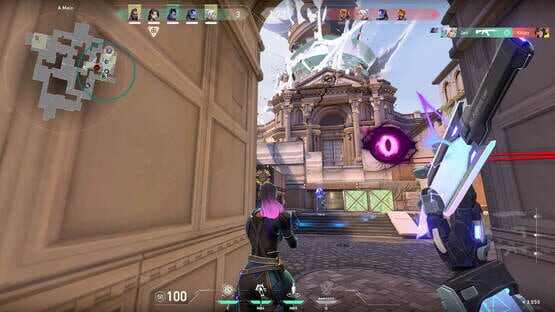
Valorant is a character-based 5v5 tactical shooter set on the global stage. Outwit, outplay, and outshine your competition with tactical abilities, precise gunplay, and adaptive teamwork.
- Shooter
- Tactical
Clippy 在后台录制 Valorant,按一个键就能保存最后一分钟,在 Windows 上免费。 How to clip Valorant
如何剪辑 Valorant
- 安装 Clippy,免费,支持 Windows 10 或 11。NVIDIA、AMD 和 Intel 显卡都能用。
- 启动 Valorant。Clippy 会发现这款游戏,并在后台开始录制它的窗口。如果没有,请在 Settings(设置)中手动添加这款游戏。
- 有精彩瞬间发生时,按 F8。最后一分钟会被保存成片段。时长可以设置为 20 秒到十分钟,按键也可以更改。
- 在 Clippy 中打开片段进行剪辑,然后点击 Share(分享)获取链接,或导出后发到 Discord、TikTok 或 Shorts。
Clippy 从游戏外部录制游戏窗口,不会向 Valorant 注入任何代码。 以独占全屏运行的游戏可能录出黑屏;改用无边框或窗口模式即可解决。 片段没有水印,在你分享之前一直保存在你的电脑上。
Valorant 片段


