
The Clippy Discord bot
Updated 22 November 2026
Clippy's Discord app brings your game clips to where your friends already are. Type /clip in any server, DM or group chat to post one of your clips, and every clippy.gg clip link plays right in the chat. It is free, and you do not need to run a server to use it: add it to your own Discord account and it goes everywhere you go.
Free, in any server or DM
Add Clippy to Discord
Add it to your own account and /clip, /stats and the rest go with you to every server, DM and group chat. Running a server? Add it there too, so everyone has the commands and you can use Linked Roles.
Both open Discord's own screen to confirm. The app only answers its own commands and cannot read your messages.
Share your clips in any server or DM
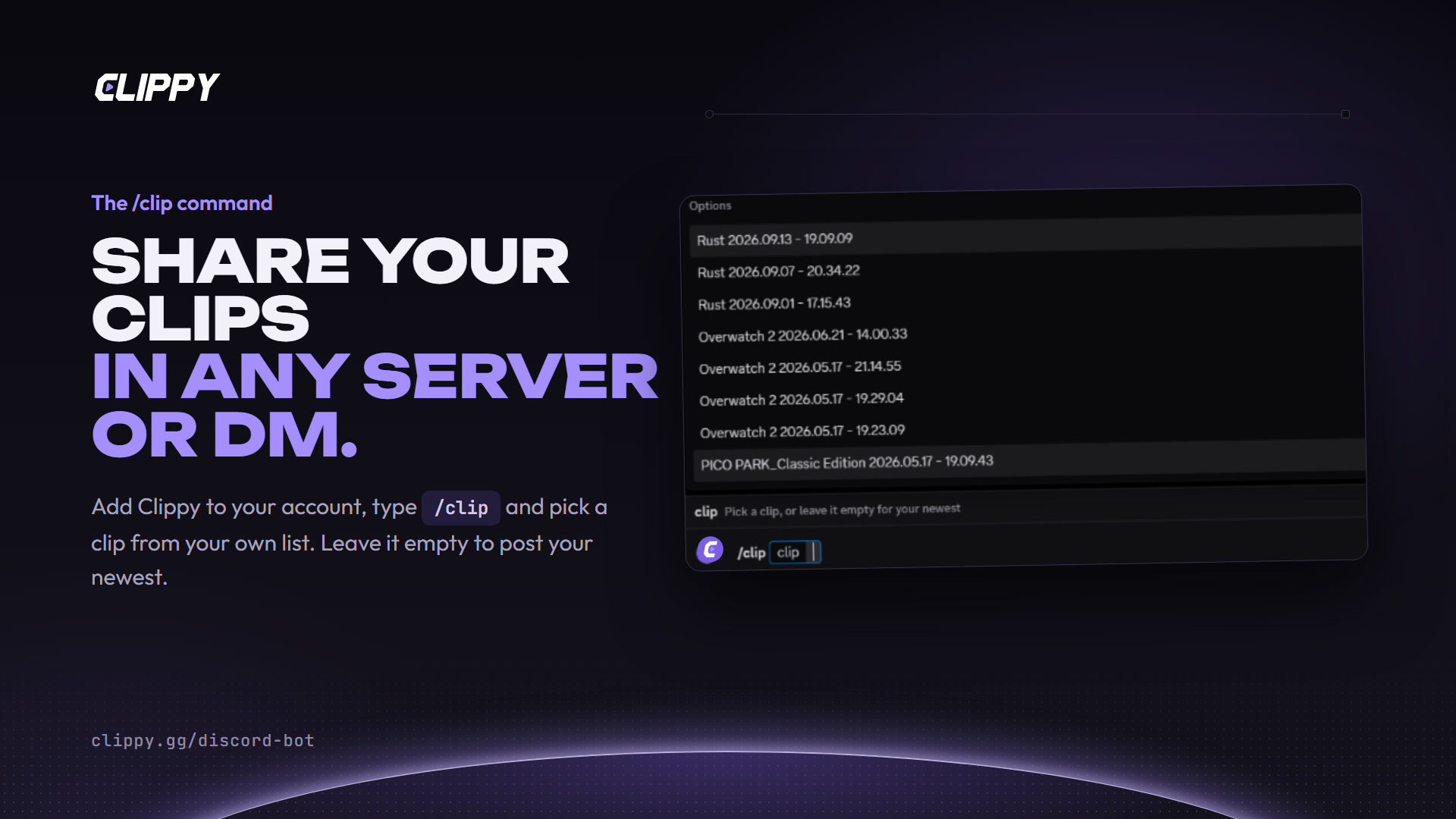
/clip posts one of your own clips wherever you type it. Start typing and Clippy lists your clips that match, with the game and how long ago you shared it, so you never have to go and find a link.
- Press Add to Discord above and confirm in Discord. The commands are now on your account.
- Link your Discord to clippy.gg, once (see how linking works). This is how Clippy knows which clips are yours.
- Share a clip from the Clippy app as public or unlisted. Private clips stay private and are never offered.
- In any chat, type /clip and pick a clip from the list. Words from the title or the game find it, or leave it empty to post your newest.
The game option narrows the list to one game, and pick posts your newest, your most liked or a random clip when you leave the search empty.
Clip links play right in the chat
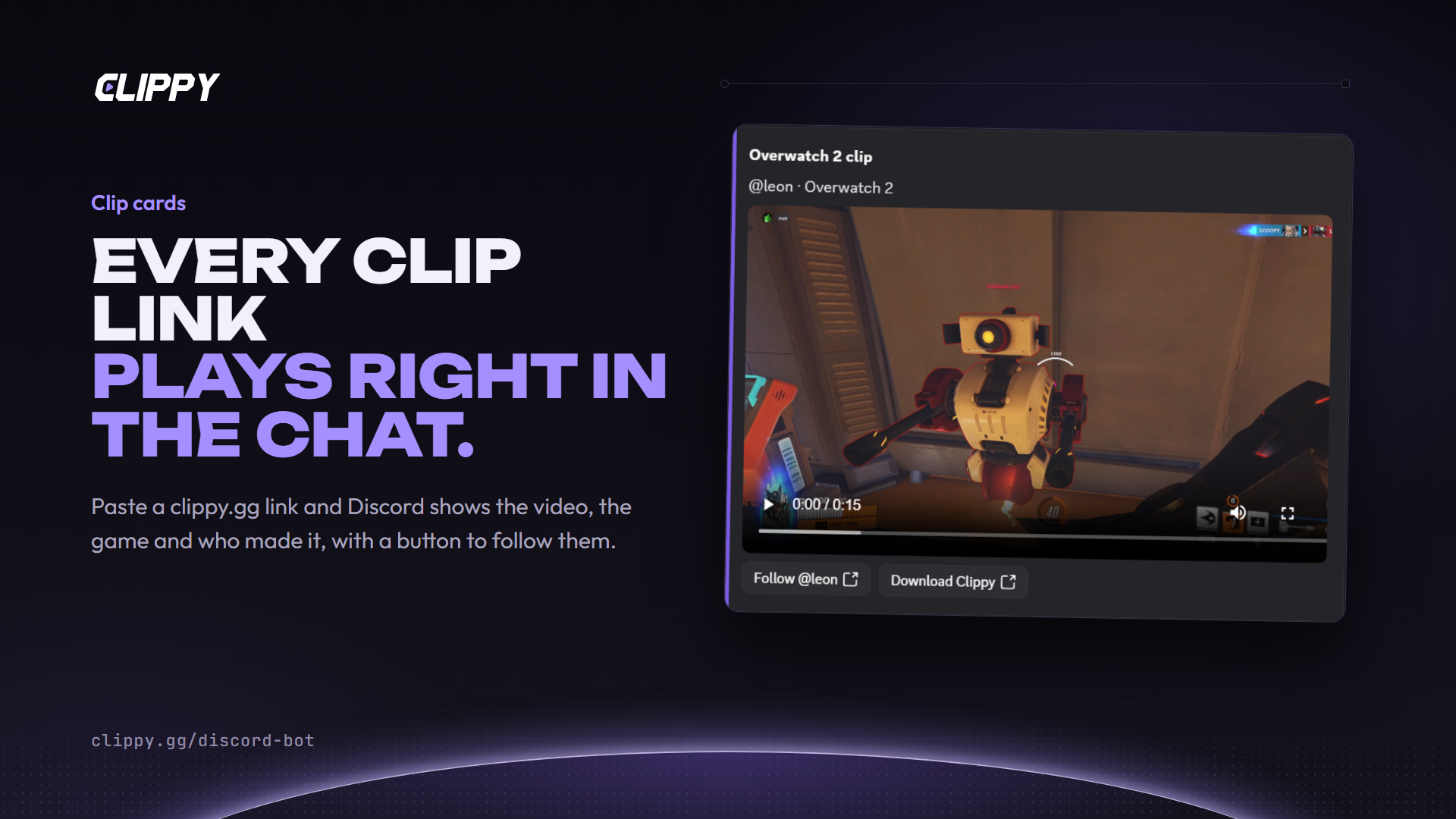
Paste a clippy.gg clip link anywhere on Discord and it becomes a card: the clip's title, who made it and the game, the video itself, playable without leaving Discord, and two buttons, Follow for the person who made it and Download Clippy. /clip posts that same link, so its card comes with it.
This works for every public and unlisted clip, from anyone, whether or not they added the app. Private clips never get a card.
Every command
All of them work in servers, DMs and group DMs, except the clip feed's two, which are for servers. Names are clippy.gg names, and an empty name means you.
| Command | What it does | Example |
|---|---|---|
| /clip | Posts one of your own public or unlisted clips. Search by title or game, or pick your newest, most liked or a random one. | /clip search: mirage ace |
| /stats | A picture card of a profile: clips, views, likes, followers, level, streak and top games. Yours once your Discord is linked, or anyone's public profile. | /stats name: leon |
| /top | The five most liked public clips of today, this week or this month, of every game or one. | /top period: This month |
| /random | A random clip: one of yours, or one of someone's public clips. With no name and no linked account, any public clip. | /random name: leon |
| /streak | A clip streak with the best streak and the Clippy level, yours or anyone's. | /streak |
| /download | Where to get Clippy, with a download button. | /download |
| /feed | Join or leave this server's clip feed, or see if you are in it. Servers only. | /feed join |
| /feed-admin | Set up the server's clip feed, manage it on clippy.gg, or take a member out. Needs Manage Server. | /feed-admin setup |
/profile was the old name of /stats. If your Discord still shows it, it does the same thing.
Linked Roles for server owners
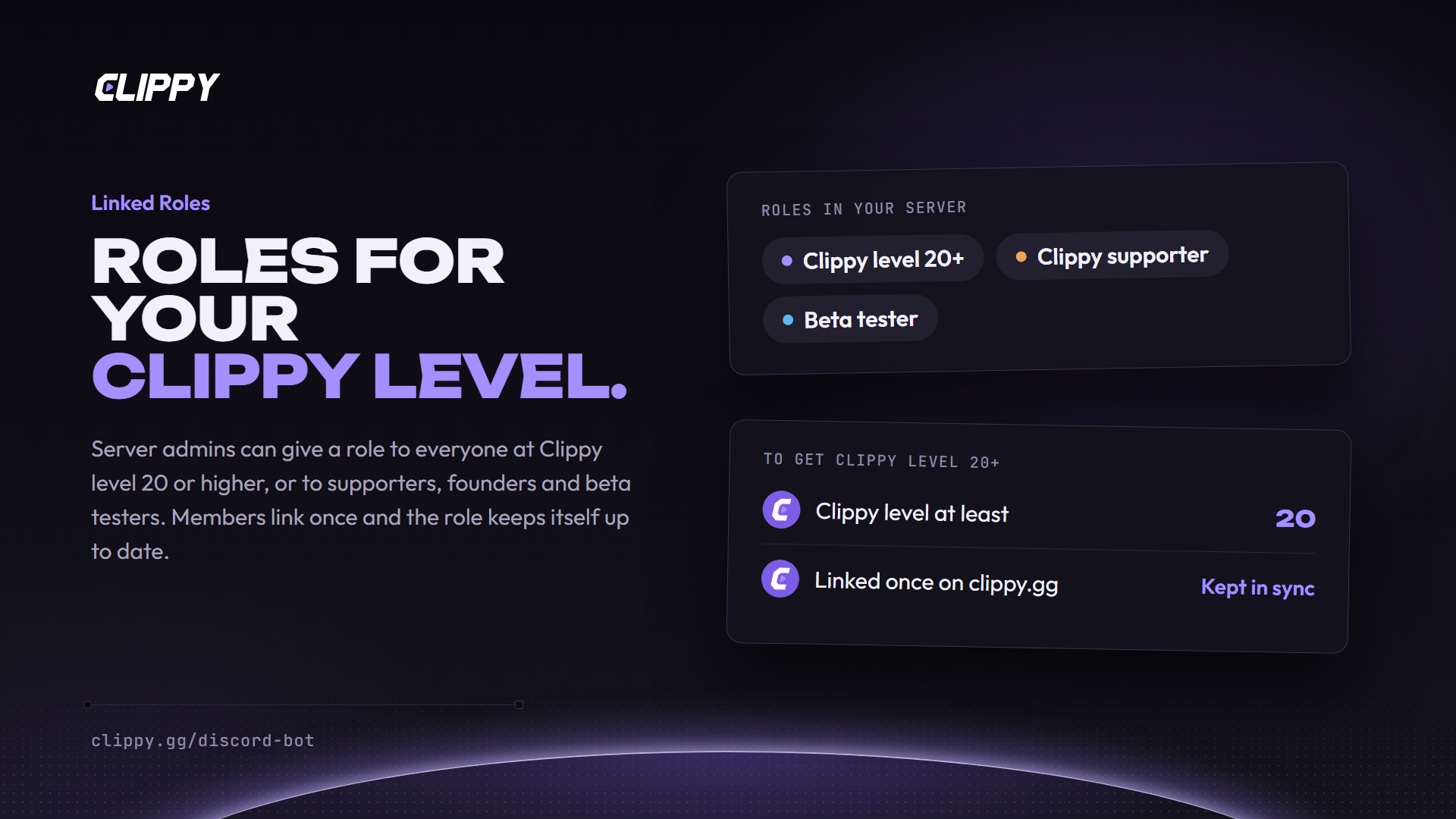
Clippy puts five fields on the Discord profile of everyone who linked their account, and a server can make a role depend on them. Make a role for everyone at Clippy level 20 or higher, or for supporters and beta testers, and members who qualify claim it themselves.
The fields are Clippy level (at least a number you choose), Founder (backed Clippy for good), Supporter, Beta tester and Clippy team.
- Press Add to a server above and choose your server.
- In Server Settings, open Roles, pick or make a role and open its Links tab.
- Add a requirement, choose Clippy and set the field, for example Clippy level at least 20.
- Members who meet it claim the role from the server's Linked Roles menu.
Members link their Discord on clippy.gg once. After that Clippy keeps their fields up to date on its own, checking every 15 minutes. Levels and rewards explains how levels are earned.
A clip feed for your server
A clip feed is a channel in your server where members' Clippy clips are posted. Nobody's clips are posted until they join the feed themselves, in the server, and each member chooses: every public clip they share, or only clips I send.
Clips are posted under the member's clippy.gg name, never their Discord name, as a card with the video and a Watch on clippy.gg button. When a clip is made private, removed or deleted, Clippy takes its post down again.
- Someone with Manage Server runs /feed-admin setup and presses Pick a channel. That opens clippy.gg, where you sign in, and then Discord's own screen, where you choose the channel.
- Clippy posts a welcome message in that channel with a Join button.
- Members press Join or run /feed join, and choose what is posted. They stop any time with /feed leave or in their clippy.gg Settings.
- Run the feed on clippy.gg: a channel per game, who is in it, and whether posts notify anyone. /feed-admin manage gives another admin access and /feed-admin remove takes a member out.
Clippy posts through a webhook Discord makes for that one channel. It does not join your server as a bot, has no permissions there and cannot read the channel. Clippy is not told when someone leaves your server, so a membership with no activity for 180 days ends by itself. Clip feeds are free.
Link your Discord to Clippy
Linking tells Clippy which Discord account is yours, so /clip can offer your clips and /stats and /streak can show your own card without a name. Looking someone else up, /top, /random with a name and /download work without linking.
- No Clippy account yet? Choose Continue with Discord when you sign up: that makes the account and links it in one go.
- Already have one? Open Settings, find Connected accounts and press Connect next to Discord.
- Discord asks you to allow three things: your Discord name and id, your email address, and letting Clippy show its fields on your profile for Linked Roles. Nothing else.
Unlinking is the Disconnect button in the same place. An account made with Discord needs a password or a linked Google account first, so you are never locked out.
What Clippy can and cannot see
- The app cannot read your messages. Discord only sends it what you type into its commands, with who typed it and where.
- Answers only show what clippy.gg shows anyone: public profiles and public clips. /top and /random with someone's name never list an unlisted clip.
- Your own /clip and /random can post an unlisted clip of yours, because you are the one sharing its link. Private clips are never posted.
- Nobody can look you up by your Discord account. Commands take a clippy.gg name, so a server cannot find out which Clippy account belongs to which member.
- When you link, Clippy keeps your Discord id, your Discord name and the access Discord gave it for Linked Roles. Disconnecting removes all three.
- A clip feed keeps the server's id, name and icon, the channel and its webhook, who set it up, who joined (their clippy.gg account and Discord id) and which clips were posted. Nothing about the server's other members, and no messages. Disconnecting Discord ends every clip feed you joined.
Everything else about your data is in the privacy policy.
Discord in the Clippy app
The free Clippy desktop app, which records your clips, has two more ways to Discord:
- Rich Presence: while you play, your Discord profile says you are playing the game with Clippy, with the game's own picture where Clippy has one. It is a switch in the app's settings, and you can change the wording.
- Post shares to Discord: paste a channel's webhook into the app's Sharing settings and every clip you share is posted to that channel.
Questions
-
Yes. Every command, the clip cards and Linked Roles are free, and so is Clippy itself.
-
No. Add to Discord puts the commands on your own account, so they work in every server, DM and group DM you are in. Add to a server is for admins who want the commands there for everyone, or who want to use Linked Roles.
-
Answers about a problem, such as an account that is not linked yet, are only shown to you. Some servers also turn off apps that members bring along themselves; there an app on your account still answers, but only you see it. A server admin can allow external apps or add Clippy to the server.
-
Private clips never get a card, so make the clip public or unlisted. A clip you have just shared can need a moment before its video is ready.
-
Yes, with a clip feed. A server admin sets one up with /feed-admin setup, you press Join in that server and choose Every public clip. Only your public clips are posted, under your clippy.gg name, and you can stop any time with /feed leave.
-
From your account: Discord's User Settings, Authorized Apps, then Deauthorize next to Clippy. From a server: Server Settings, Integrations, Clippy. To unlink your Discord from clippy.gg, use Disconnect in Settings.
Read next

Clippy is free for Windows 10 and 11, Linux and Mac (beta)
Press one key and the last minute of your game is saved, ready to trim and share with a link.
Already using it? Invite a friend and you both get Supporter for free.