



Diablo II: Resurrected
1 個片段 169 次觀看 發行
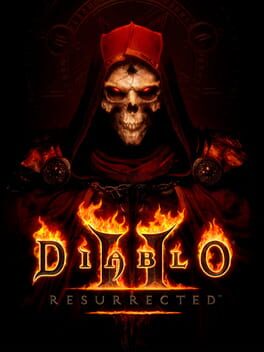

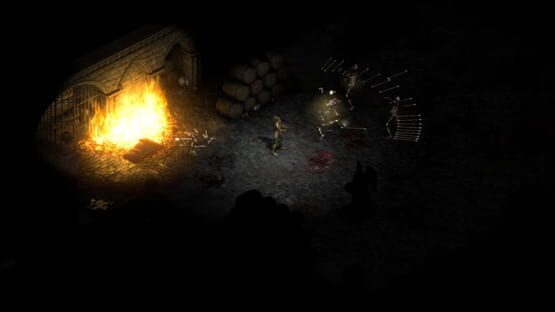


Diablo II: Resurrected breathes new life into Blizzard Entertainment’s acclaimed ARPG and its expansion, Diablo II: Lord of Destruction, from beginning to end. Return to fight for Sanctuary and discover the fate of the mysterious Dark Wanderer rebuilt in all-new 3D graphics, brand-new cinematics, remastered audio… and the same classic Diablo II gameplay you remember.
- Role-playing (RPG)
- Hack and slash/Beat 'em up
- Adventure
Clippy 會在背景錄製 Diablo II: Resurrected,按一個鍵就能儲存最後一分鐘,在 Windows 上免費使用。 取得 Clippy
如何錄 Diablo II: Resurrected 精華片段
- 安裝 Clippy,免費,支援 Windows 10 或 11。NVIDIA、AMD 和 Intel 顯示卡都能用。
- 啟動 Diablo II: Resurrected。Clippy 會偵測到遊戲,並在背景開始錄製它的視窗。如果沒有,請在 Settings(設定)中手動加入這款遊戲。
- 有事情發生時,按 F8。最後一分鐘會存成片段。長度可以設定在 20 秒到十分鐘之間,按鍵也可以更改。
- 在 Clippy 中開啟片段來修剪,然後按 Share(分享)取得連結,或匯出給 Discord、TikTok 或 Shorts 使用。
Clippy 從遊戲外部錄製遊戲視窗,不會在 Diablo II: Resurrected 裡放入任何程式碼。 以獨佔全螢幕執行的遊戲可能會錄成黑畫面;改用無邊框或視窗模式就能解決。 片段沒有浮水印,在你分享之前都只留在你的電腦上。
Diablo II: Resurrected 片段
