



Wuthering Waves
1 clip 147 view Ni-release noong

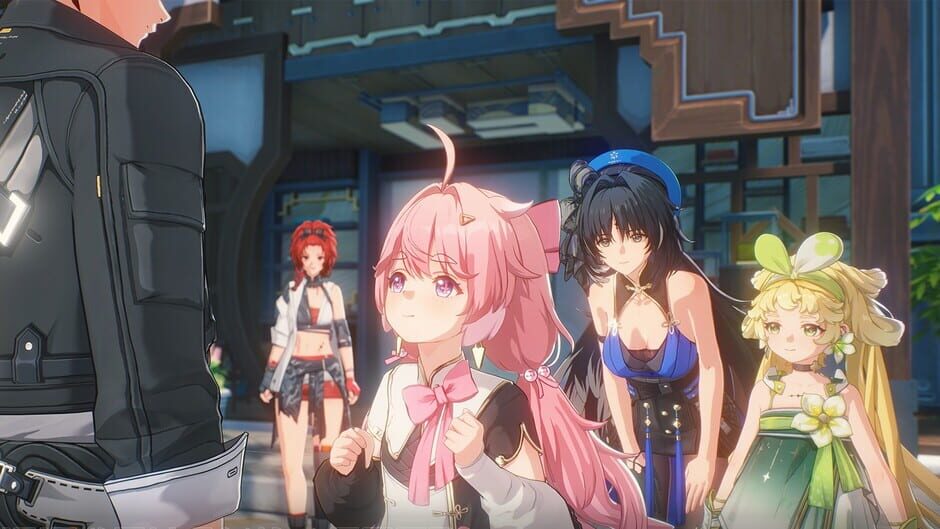

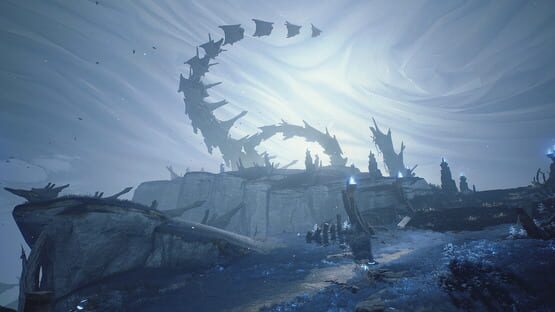

Wuthering Waves is a story-rich open-world action RPG. You wake from your slumber as Rover, joined by a vibrant cast of Resonators on a journey to reclaim your lost memories and surmount the Lament. The game features fast-paced combat with a variety of mechanics such as Extreme Evasion and Dodge Counter. You can also absorb the remaining of the monsters you've defeated and use their power in battles.
- Role-playing (RPG)
- Hack and slash/Beat 'em up
- Adventure
Nire-record ng Clippy ang Wuthering Waves sa background at sine-save ang huling minuto sa isang pindot lang, libre sa Windows. How to clip Wuthering Waves
Paano mag-clip ng Wuthering Waves
- I-install ang Clippy, libre, sa Windows 10 o 11. Gumagana ito sa NVIDIA, AMD at Intel na graphics.
- Buksan ang Wuthering Waves. Napapansin ng Clippy ang game at sinisimulan nitong i-record ang window nito sa background. Kung hindi, idagdag nang mano-mano ang game sa Settings.
- Kapag may nangyari, pindutin ang F8. Ise-save ang huling minuto bilang clip. Puwedeng i-set ang haba mula 20 segundo hanggang sampung minuto, at puwedeng palitan ang key.
- Buksan ang clip sa Clippy para i-trim, tapos pindutin ang Share para sa link, o i-export ito para sa Discord, TikTok o Shorts.
Nire-record ng Clippy ang window ng game mula sa labas ng game at wala itong inilalagay na code sa Wuthering Waves. Puwedeng lumabas na itim ang game na naka-exclusive fullscreen; naaayos iyon ng borderless o windowed mode. Walang watermark ang clips at nasa PC mo lang ang mga ito hangga't hindi mo sine-share.
Mga Wuthering Waves clip
