


Voices Of The Void
1 clip 195 view
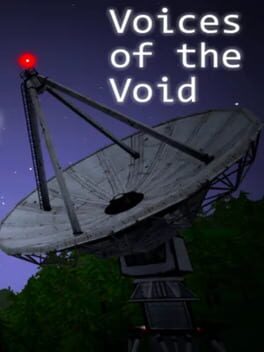
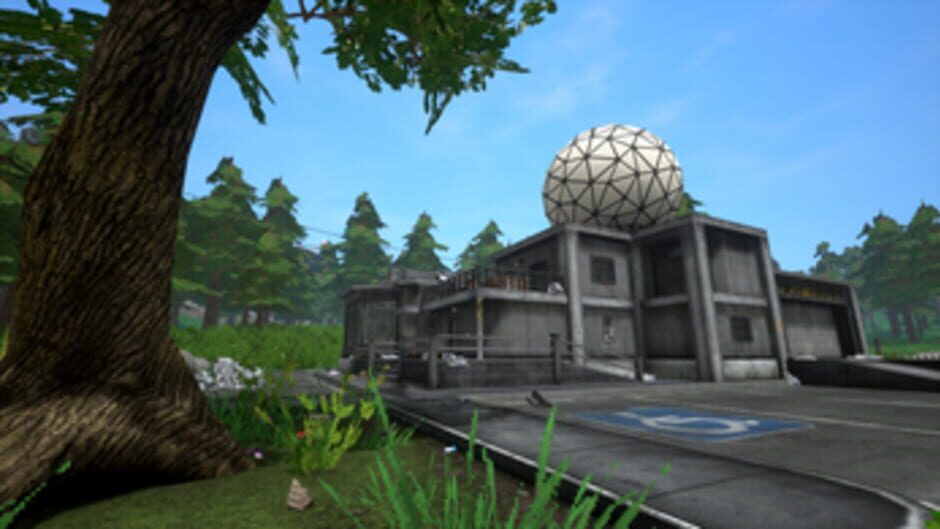

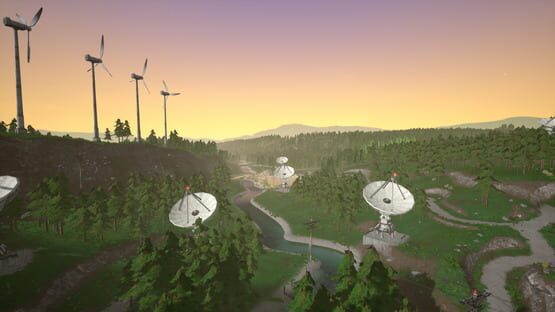
You work as a scientist in the isolated research lab in the mountains of Switzerland. Your task is to gather signals from space, analyze them, process them and sell them to get points. You can get regular signals and objects like dwarf planets and stars, or you can get something "unusual" or even "strange" and "unexplainable".
- Simulator
- Indie
Nire-record ng Clippy ang Voices Of The Void sa background at sine-save ang huling minuto sa isang pindot lang, libre sa Windows. Kunin ang Clippy
Paano mag-clip ng Voices Of The Void
- I-install ang Clippy, libre, sa Windows 10 o 11. Gumagana ito sa NVIDIA, AMD at Intel na graphics.
- Buksan ang Voices Of The Void. Napapansin ng Clippy ang game at sinisimulan nitong i-record ang window nito sa background. Kung hindi, idagdag nang mano-mano ang game sa Settings.
- Kapag may nangyari, pindutin ang F8. Ise-save ang huling minuto bilang clip. Puwedeng i-set ang haba mula 20 segundo hanggang sampung minuto, at puwedeng palitan ang key.
- Buksan ang clip sa Clippy para i-trim, tapos pindutin ang Share para sa link, o i-export ito para sa Discord, TikTok o Shorts.
Nire-record ng Clippy ang window ng game mula sa labas ng game at wala itong inilalagay na code sa Voices Of The Void. Puwedeng lumabas na itim ang game na naka-exclusive fullscreen; naaayos iyon ng borderless o windowed mode. Walang watermark ang clips at nasa PC mo lang ang mga ito hangga't hindi mo sine-share.
Mga Voices Of The Void clip
