



Roblox
클립 99개 조회수 5.8K회 출시일
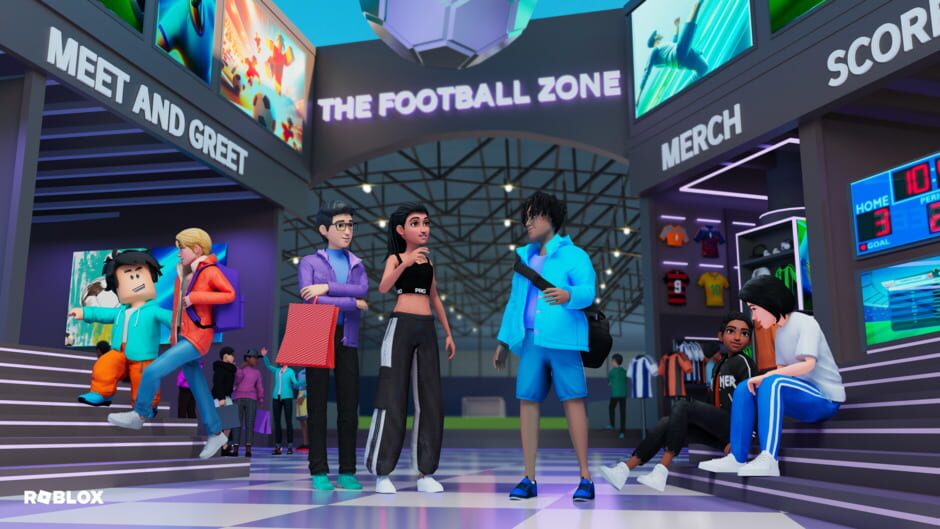
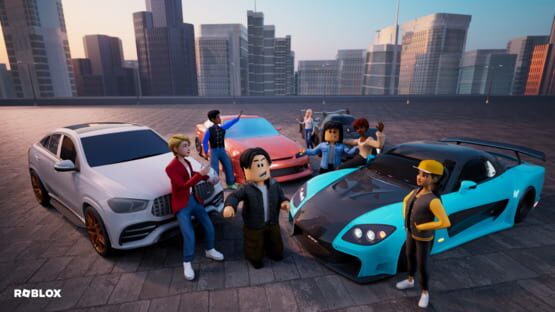
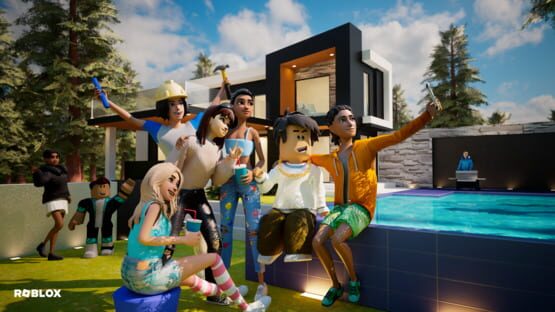
Roblox is a massively multiplayer online platform marketed toward creators and players of all ages. It allows users to create their own virtual games using a variety of objects, which they and others can enter and socialize in. Games created on Roblox can be scripted using a sandboxed scripting language based on Lua 5.1 to affect events that occur in-game and create different scenarios.
- Platform
- Simulator
- Adventure
Clippy는 백그라운드에서 Roblox 게임을 녹화하고, 키 하나만 누르면 마지막 1분을 저장해요. Windows에서 무료예요. How to clip Roblox
Roblox 클립 저장 방법
- Windows 10 또는 11에 Clippy를 설치하세요. 무료예요. NVIDIA, AMD, Intel 그래픽에서 작동해요.
- Roblox 게임을 실행하세요. Clippy가 게임을 감지하고 백그라운드에서 게임 창을 녹화하기 시작해요. 감지하지 못하면 Settings(설정)에서 게임을 직접 추가하세요.
- 무슨 일이 벌어지면 F8을 누르세요. 마지막 1분이 클립으로 저장돼요. 길이는 20초부터 10분까지 설정할 수 있고, 키도 바꿀 수 있어요.
- Clippy에서 클립을 열어 자른 다음, Share를 눌러 링크를 받거나 Discord, TikTok, Shorts용으로 내보내세요.
Clippy는 게임 밖에서 게임 창을 녹화하며 Roblox 안에 어떤 코드도 넣지 않아요. 전체 화면 전용 모드로 실행 중인 게임은 화면이 검게 나올 수 있어요. 테두리 없는 창 모드나 창 모드로 바꾸면 해결돼요. 클립에는 워터마크가 없고, 공유하기 전까지 내 PC에만 있어요.
Roblox 클립


