Stick It To The Stickman
1本のクリップ 186回視聴 発売
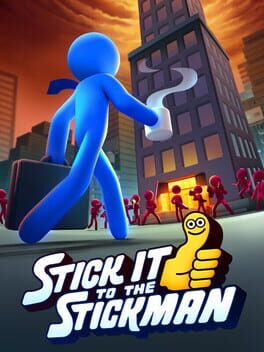
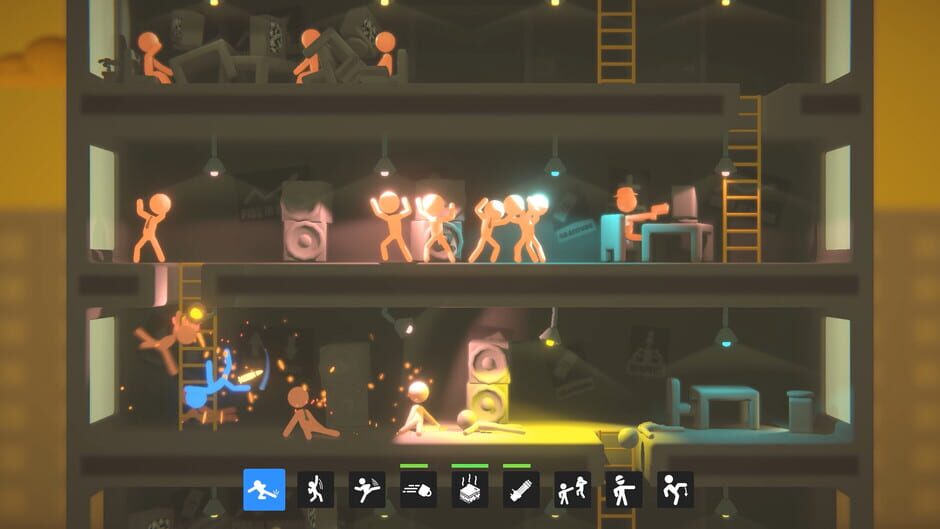


Stick it to the Stickman is a practical guide for anybody seeking to climb the corporate ladder in the fastest way possible. A groin-kicking, staple-gunning, chainsaw-wielding roguelike brawler loaded with high-impact, physics-based combat, copious amounts of coffee, and weaponized farts!
- Fighting
- Platform
- Adventure
- Indie
ClippyはStick It To The Stickmanをバックグラウンドで録画し、キーひとつで直前1分間を保存します。Windowsで無料です。 Clippyを入手
Stick It To The Stickmanをクリップする方法
- Clippyをインストール(無料、Windows 10・11対応)。NVIDIA、AMD、Intelのグラフィックスで動作します。
- Stick It To The Stickmanを起動します。Clippyがゲームを検知し、バックグラウンドでウィンドウの録画を始めます。始まらない場合は、Settings(設定)でゲームを手動で追加してください。
- 何かが起きたらF8を押します。直前1分間がクリップとして保存されます。長さは20秒から10分まで設定でき、キーも変更できます。
- Clippyでクリップを開いてトリミングし、Share(共有)を押してリンクを作るか、Discord、TikTok、Shorts向けに書き出します。
Clippyはゲームの外からゲームのウィンドウを録画し、Stick It To The Stickmanにコードを入れることはありません。 排他的フルスクリーンで動作しているゲームは真っ黒に録画されることがあります。ボーダーレスまたはウィンドウモードにすると直ります。 クリップにウォーターマークは入らず、共有するまでPCに保存されたままです。