


Cyberpunk 2077
1 clip 186 visualizzazioni Uscita:

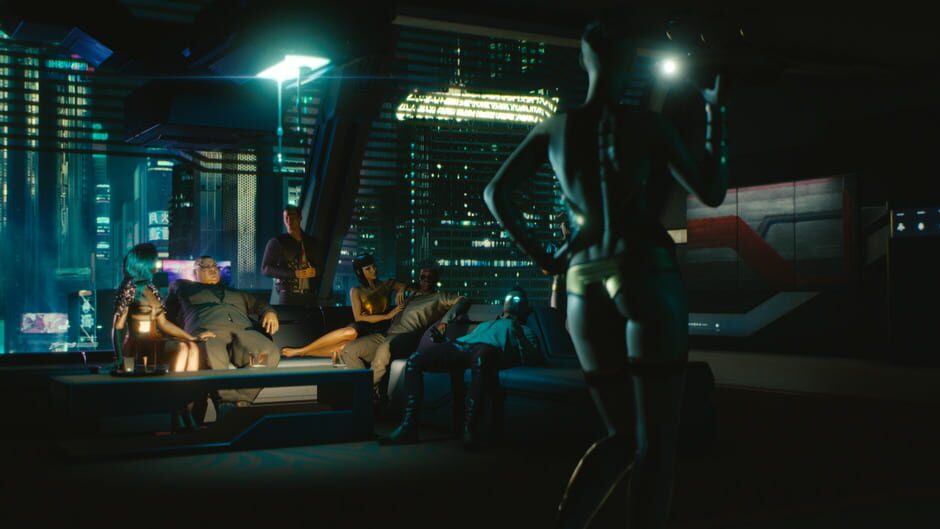


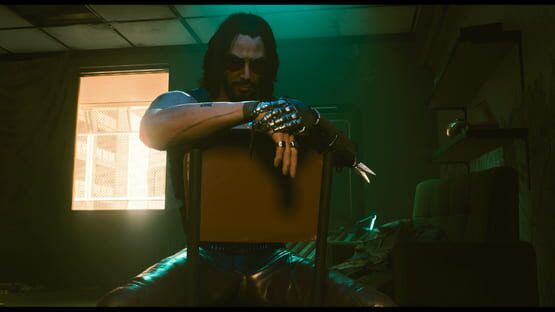
Cyberpunk 2077 is an open-world action-adventure game set in Night City, a sprawling metropolis driven by power, glamour, and body modification. Players assume the role of V, a mercenary outlaw in pursuit of a unique implant that holds the key to immortality. The game allows extensive customization of cyberware, skills, and playstyle. Choices made throughout the journey influence both the narrative and the world.
- Shooter
- Role-playing (RPG)
- Adventure
Clippy registra Cyberpunk 2077 in background e salva l'ultimo minuto quando premi un tasto, gratis su Windows. How to clip Cyberpunk 2077
Come registrare clip di Cyberpunk 2077
- Installa Clippy, gratis, su Windows 10 o 11. Funziona con schede grafiche NVIDIA, AMD e Intel.
- Avvia Cyberpunk 2077. Clippy si accorge del gioco e inizia a registrarne la finestra in background. Se non succede, aggiungi il gioco a mano in Settings (impostazioni).
- Quando succede qualcosa, premi F8. L'ultimo minuto viene salvato come clip. La durata si può impostare da 20 secondi a dieci minuti, e il tasto si può cambiare.
- Apri la clip in Clippy per tagliarla, poi premi Share (Condividi) per avere un link, oppure esportala per Discord, TikTok o Shorts.
Clippy registra la finestra del gioco dall'esterno e non inserisce alcun codice in Cyberpunk 2077. Un gioco in schermo intero esclusivo può risultare nero; la modalità senza bordi o in finestra risolve il problema. Le clip non hanno filigrana e restano sul tuo PC finché non le condividi.
Clip di Cyberpunk 2077
