
 0:15
 Deadlock

4 clips 75 views Released

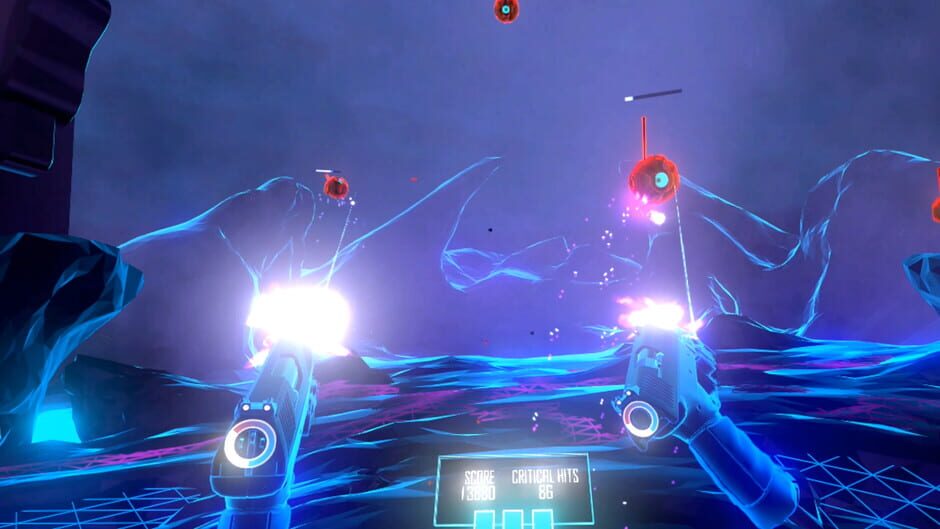


Deadlock is a virtual reality arcade shooter that pits you against waves of enemies who will stop at nothing to destroy you. Face down tactical troopers, flying drones and vicious attack dogs. It's kill or be killed, and to get the high score you'll need light feet, fast reflexes and a steady aim.
Clippy records Deadlock in the background and saves the last minute when you press one key, for free on Windows. How to clip Deadlock
Clippy records the game's window from outside the game and puts no code into Deadlock. A game running in exclusive fullscreen can come out black; borderless or windowed mode fixes that. Clips have no watermark and stay on your PC until you share them.


