


Wardogs
11 Clips 1.4K Aufrufe
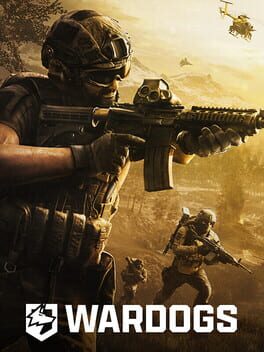
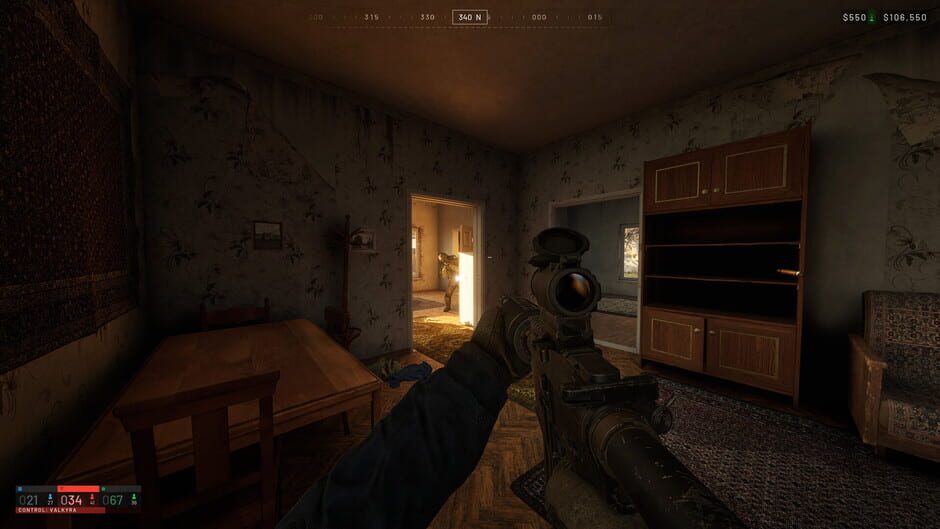
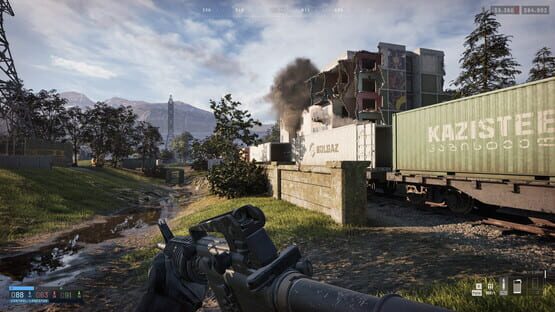
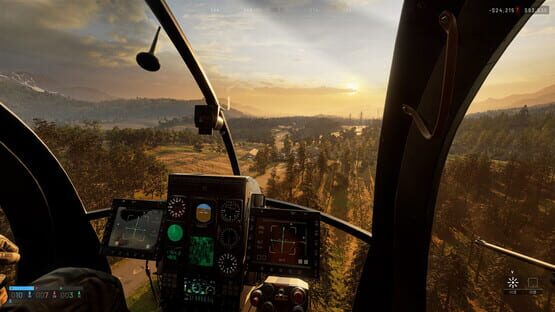
Wardogs is a first-person tactical multiplayer shooter built around large-scale combined-arms battles for up to 100 players. Three teams compete to control randomized objective zones across destructible battlefields, using infantry weapons, vehicles, logistics, fortifications, and proximity voice chat. Players earn cash and XP through combat, support, transportation, and objective play, then spend persistent cash on custom loadouts, equipment, and vehicles across lives and matches.
- Shooter
- Simulator
- Tactical
Clippy nimmt Wardogs im Hintergrund auf und speichert auf Tastendruck die letzte Minute, kostenlos unter Windows. Hol dir Clippy
So clippst du Wardogs
- Installiere Clippy, kostenlos, unter Windows 10 oder 11. Es funktioniert mit Grafik von NVIDIA, AMD und Intel.
- Starte Wardogs. Clippy erkennt das Spiel und nimmt sein Fenster im Hintergrund auf. Falls nicht, füge das Spiel in den Settings (Einstellungen) von Hand hinzu.
- Wenn etwas passiert, drück F8. Die letzte Minute wird als Clip gespeichert. Die Länge lässt sich von 20 Sekunden bis zehn Minuten einstellen, und die Taste kannst du ändern.
- Öffne den Clip in Clippy, um ihn zuzuschneiden, und drück dann auf „Share“ für einen Link oder exportiere ihn für Discord, TikTok oder Shorts.
Clippy nimmt das Fenster des Spiels von außen auf und schleust keinen Code in Wardogs ein. Ein Spiel im exklusiven Vollbild kann schwarz herauskommen; der randlose oder der Fenstermodus behebt das. Clips haben kein Wasserzeichen und bleiben auf deinem PC, bis du sie teilst.
Clips aus Wardogs


