



Sniper Elite 5
2 clips 294 weergaven Uitgebracht in
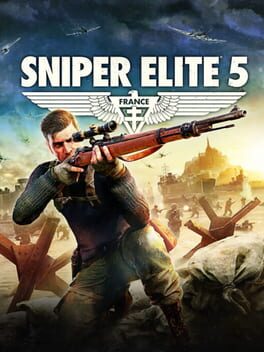


The latest instalment in the award-winning series, Sniper Elite 5 offers unparalleled sniping, tactical third-person combat and an enhanced kill cam. Fight your way across the most immersive maps yet, with many real-world locations captured in stunning detail, and an improved traversal system that lets you explore more of them than ever before. France, 1944 – As part of a covert US Rangers operation to weaken the Atlantikwall fortifications along the coast of Brittany, elite marksman Karl Fairburne makes contact with the French Resistance. Soon they uncover a secret Nazi project that threatens to end the war before the Allies can even invade Europe: Operation Kraken.
- Shooter
- Simulator
- Adventure
Clippy neemt Sniper Elite 5 op de achtergrond op en slaat de laatste minuut op als je op één toets drukt, gratis op Windows. Download Clippy
Hoe clip je Sniper Elite 5
- Installeer Clippy, gratis, op Windows 10 of 11. Het werkt met videokaarten van NVIDIA, AMD en Intel.
- Start Sniper Elite 5. Clippy merkt de game op en begint het venster op de achtergrond op te nemen. Gebeurt dat niet, voeg de game dan met de hand toe in Settings.
- Gebeurt er iets, druk dan op F8. De laatste minuut wordt opgeslagen als clip. De lengte is in te stellen van 20 seconden tot tien minuten, en de toets kun je wijzigen.
- Open de clip in Clippy om hem in te korten, druk dan op Share voor een link, of exporteer hem voor Discord, TikTok of Shorts.
Clippy neemt het venster van de game van buiten de game op en stopt geen code in Sniper Elite 5. Een game in exclusief volledig scherm kan zwart worden opgenomen; borderless of venstermodus lost dat op. Clips hebben geen watermerk en blijven op je pc tot je ze deelt.
Clips van Sniper Elite 5

