
 0:17
 Geometry Dash

2 clips 38 views Released
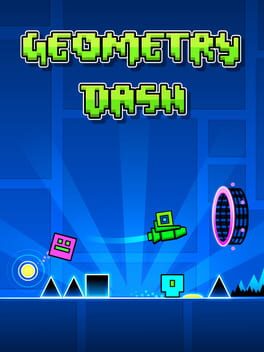



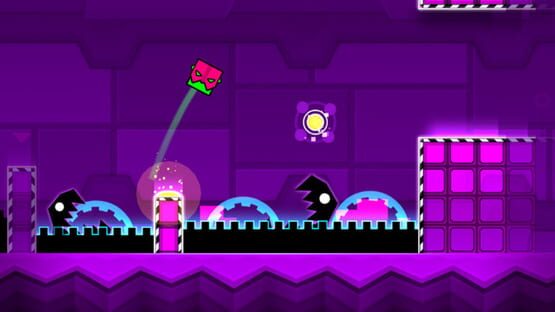
Jump and fly your way through danger in this rhythm-based action platformer. Prepare for a near impossible challenge in the world of Geometry Dash. Push your skills to the limit as you jump, fly and flip your way through dangerous passages and spiky obstacles.
Clippy records Geometry Dash in the background and saves the last minute when you press one key, for free on Windows. Get Clippy
Clippy records the game's window from outside the game and puts no code into Geometry Dash. A game running in exclusive fullscreen can come out black; borderless or windowed mode fixes that. Clips have no watermark and stay on your PC until you share them.

